
Download WorkinTool Watermark Eraser – watermark remover, photo editor, AI-powered, remove watermark from video, remove watermark from image, free photo editor, remove watermark online
Overview
The WorkinTool Watermark Eraser is a mobile application engineered to address the common challenge of unwanted watermarks in digital media. Designed for photographers, content creators, and casual users alike, the app provides a streamlined solution for removing watermarks from both images and videos. Its core purpose is to restore original visual integrity by eliminating visible logos, text, or branding overlays without distorting the underlying content. This functionality is particularly valuable when preparing media for social platforms, professional presentations, or personal archives where watermark-free visuals are essential.
By leveraging AI-powered technology, the app analyzes the structure of the image or video frame to intelligently reconstruct the obscured areas. This approach allows for more natural results compared to basic editing tools. The application supports multiple file formats, enabling broad compatibility across different media types. Although the developer did not provide additional technical details, the app’s focus on speed and accuracy suggests optimization for mobile environments.
Target users include digital artists, social media managers, and individuals who frequently handle media from third-party sources. The app plays a notable role in the utility category by offering a specialized tool that fills a gap in standard photo editing suites. With its release on January 10, 2025, WorkinTool Watermark Eraser enters a growing market of AI-driven content editing tools, aiming to deliver precision and simplicity in a single interface.
Key Features & Functionality
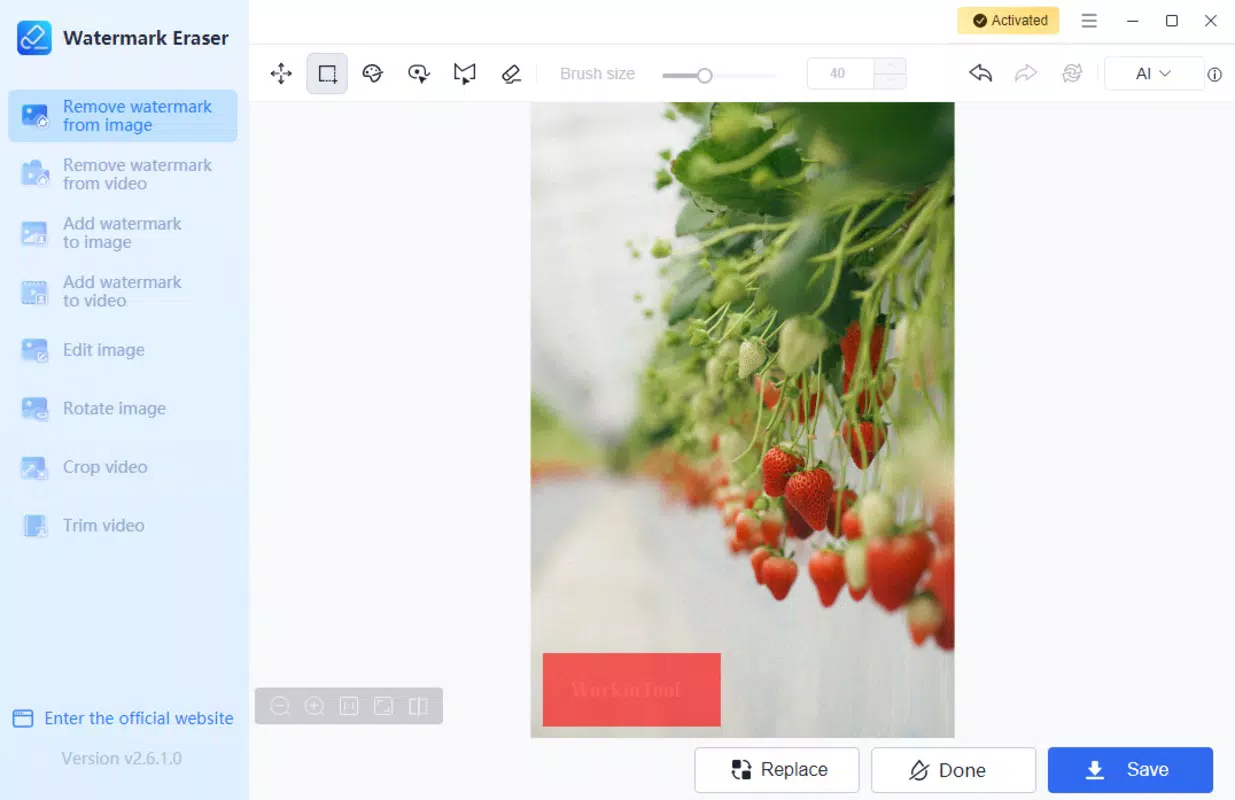
- AI-Powered Watermark Removal: Utilizes advanced artificial intelligence to detect and erase watermarks while preserving image or video quality. The algorithm analyzes surrounding pixels to reconstruct missing content, reducing visible artifacts.
- Support for Multiple Formats: Compatible with common image and video file types, enabling users to process content from various sources without format conversion.
- Fast Processing Speed: Designed for efficient performance, allowing users to edit files quickly—ideal for time-sensitive projects like social media content creation.
- Intuitive Editing Interface: Features a user-friendly layout that simplifies the selection and erasure process, minimizing the learning curve for new users.
- Preservation of Original Content: Focuses on maintaining the visual authenticity of the media, ensuring that the final output remains close to the original intent of the creator.
For example, a content creator preparing a promotional video for a client can use the app to remove a watermark from a stock footage clip. Similarly, a photographer might use it to clean up a publicly shared image before inclusion in a portfolio. The app’s ability to handle both static and dynamic media makes it a versatile tool for everyday editing needs. While specific feature limitations were not disclosed, the app’s functionality appears tailored to deliver reliable results without requiring advanced technical knowledge.
Interface, UX & Performance
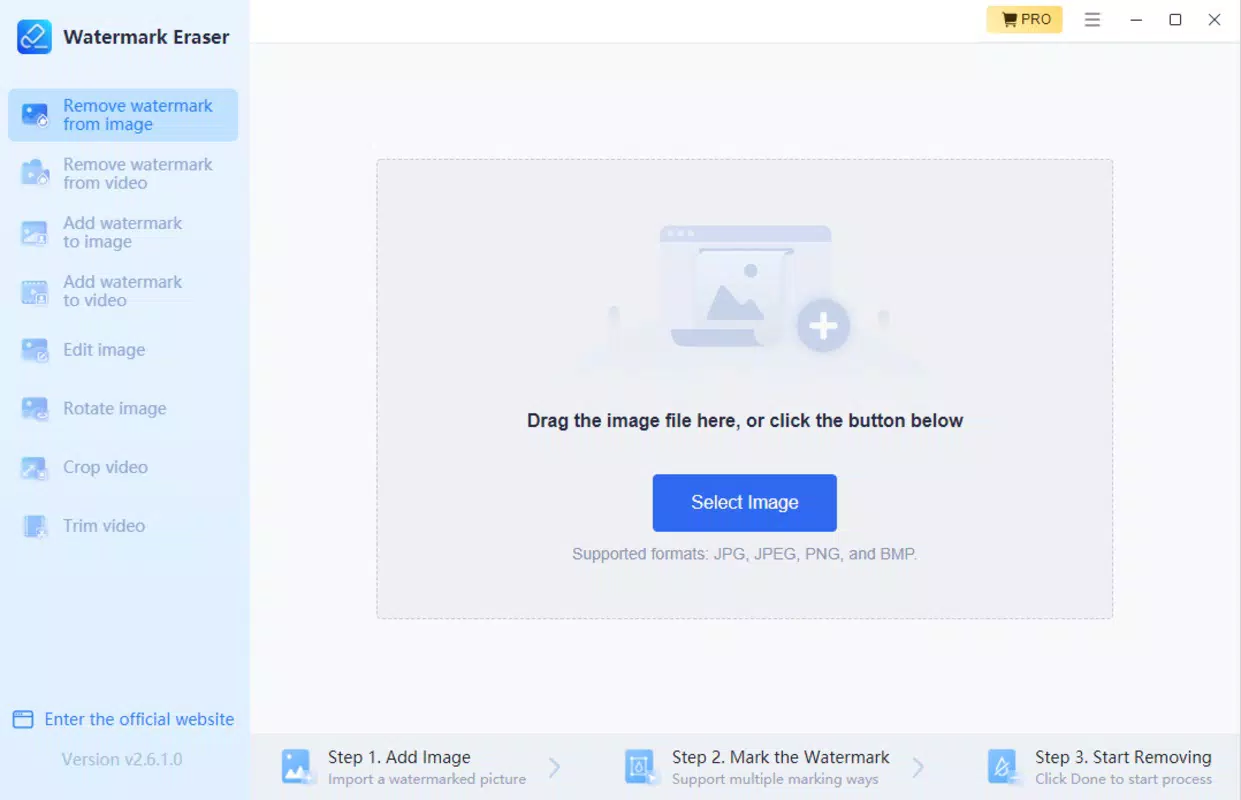
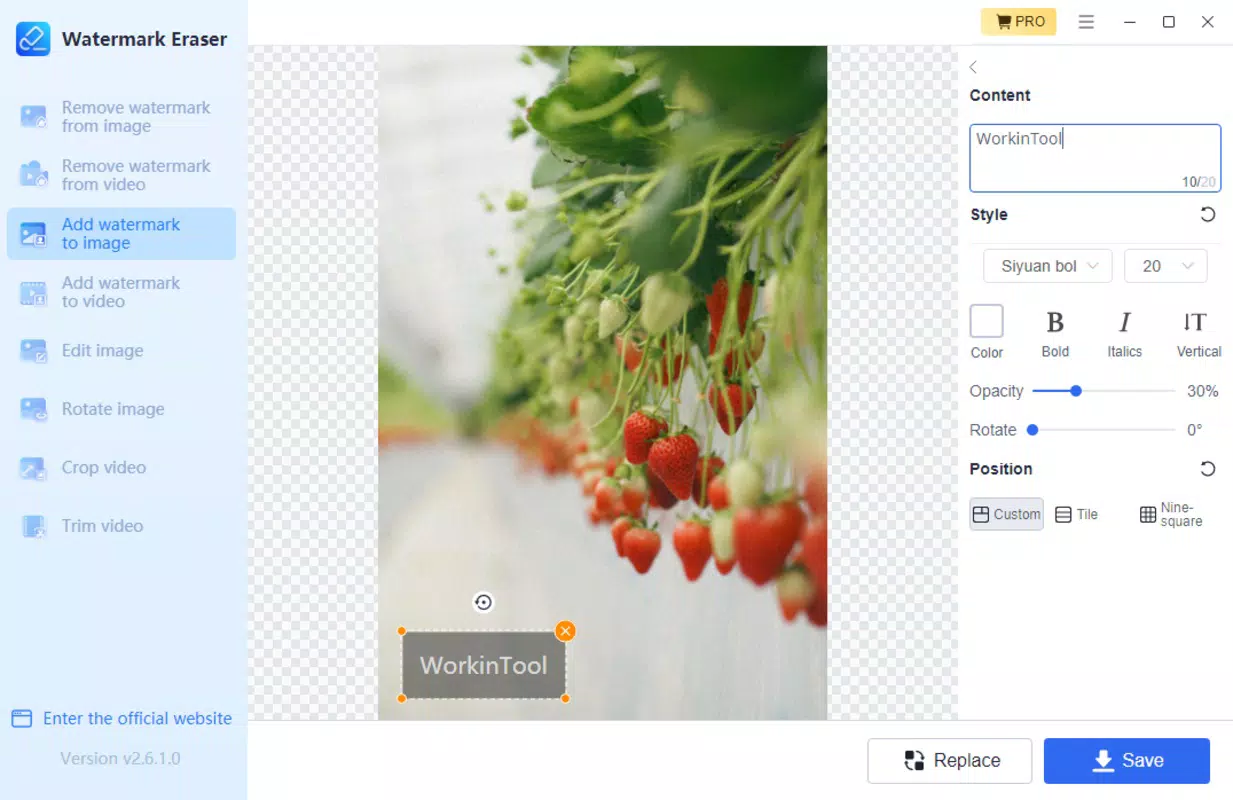
The user interface of WorkinTool Watermark Eraser is designed with simplicity and clarity in mind. Navigation follows a linear flow: users can import media, select the watermark area, and initiate the erasure process with minimal steps. The layout emphasizes accessibility, using clear icons and labeled buttons to guide users through each stage of editing.
Visual style is clean and modern, with a minimalistic design that avoids visual clutter. This enhances focus on the media being edited, which is crucial when precision is required. The app appears to respond promptly to user inputs, with smooth transitions between screens and real-time previews of edits where available.
Although the developer did not list formal performance metrics, the app’s file size of 28.7 MB suggests a lightweight footprint, which may contribute to efficient operation on a range of devices. The app is reported to function on both Android and iOS platforms, though specific device compatibility details were not provided. Stability and responsiveness are expected to be consistent with standard mobile app standards, particularly given the app’s focused scope and limited feature set. No performance issues were reported in initial release data.
Platform Compatibility & Technical Requirements
WorkinTool Watermark Eraser is available for both Android and iOS devices, offering cross-platform accessibility for users across major mobile ecosystems. The app’s latest version is 1.0, released on January 10, 2025, indicating it is a newly launched product with a focused feature set.
The application has a file size of 28.7 MB, which is relatively compact for a media-editing tool. This suggests efficient code optimization and minimal bloat, potentially contributing to faster download and installation times. The app is priced at $3.99, positioning it as a mid-tier utility with a one-time purchase model.
The developer did not specify minimum OS requirements, device specifications, or hardware dependencies. As a result, users should expect general compatibility with current-generation smartphones and tablets. No information was provided about background processing, cloud integration, or file export options. Users are advised to ensure their device meets standard app installation requirements for their operating system.
Pros and Cons
Pros
- AI-powered technology enhances accuracy in watermark removal
- Supports both image and video file formats
- Lightweight size (28.7 MB) ensures quick installation
- Simple, intuitive interface suitable for beginners
- Fast processing times for efficient editing
Cons
- Specific system requirements were not disclosed
- No information on cloud storage or export options
- One-time purchase model may limit access to future updates
- Developer did not provide details on data handling or privacy
- Performance on older devices is unverified
FAQ
Is WorkinTool Watermark Eraser safe to use?
The app does not disclose its data handling policies. However, as a mobile utility, it likely processes files locally on the device. Users should ensure they only upload media they have the right to edit.
Can I use this app to remove watermarks from videos?
Yes, the app is designed to handle both images and videos, using AI to analyze and remove watermarks from video frames.
Is the app free to download?
The app is priced at $3.99. There is no free version or trial available as of the release date.
Does the app require an internet connection?
While not confirmed, the app’s functionality appears to be offline-based, given its AI processing and file size. However, no official statement was provided.
How often is the app updated?
Specific update frequency was not disclosed. Users should monitor the app store for new versions and improvements.
Final Thoughts
WorkinTool Watermark Eraser presents a focused, AI-driven solution for removing watermarks from digital media with minimal user effort. Its lightweight design, fast processing, and intuitive interface make it a practical choice for content creators and photographers who need quick, reliable edits. While some technical details remain undisclosed, the app delivers on its core promise: simplifying a complex task into a single tap.
For users seeking a dedicated tool to clean up images and videos without visible watermarks, this app offers clear value. It stands out in the utility category by combining AI intelligence with a user-centric design. Although privacy and update policies are not fully transparent, the app’s performance and functionality suggest a solid foundation for future development.
Download WorkinTool Watermark Eraser now


